


Cart is empty


Save 69%


DESCRIPTION of AudioCast Music Streamer
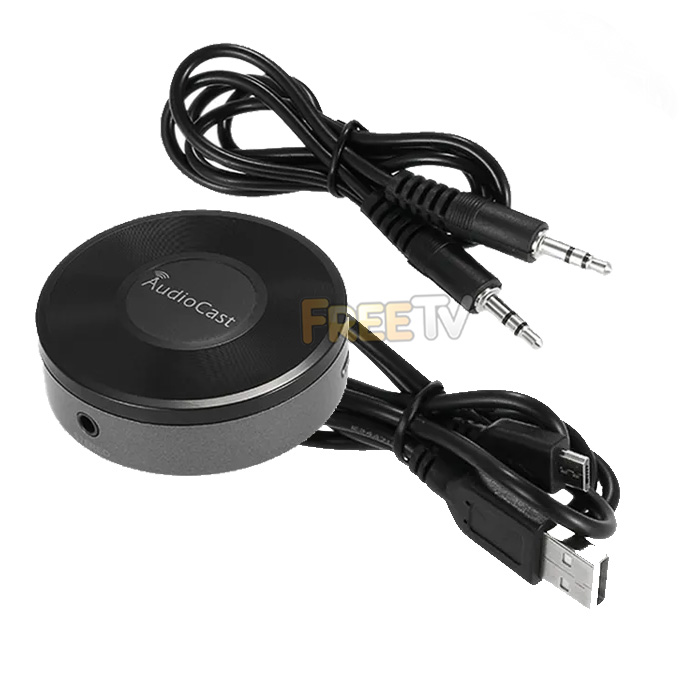
- AudioCast Music Streamer
- AKA WiFI Audio Streamer
- Similar to Chromecast Audio Device
- Contents
- 1x AudioCast Music Streamer
- 1x 3.5mm Audio Cable
- 1x USB Cable
- 1x User Manual
- Airplay, DNLA, Qplay Compatible
- Ideal For Connecting Your Spotify to Your Home Speaker System
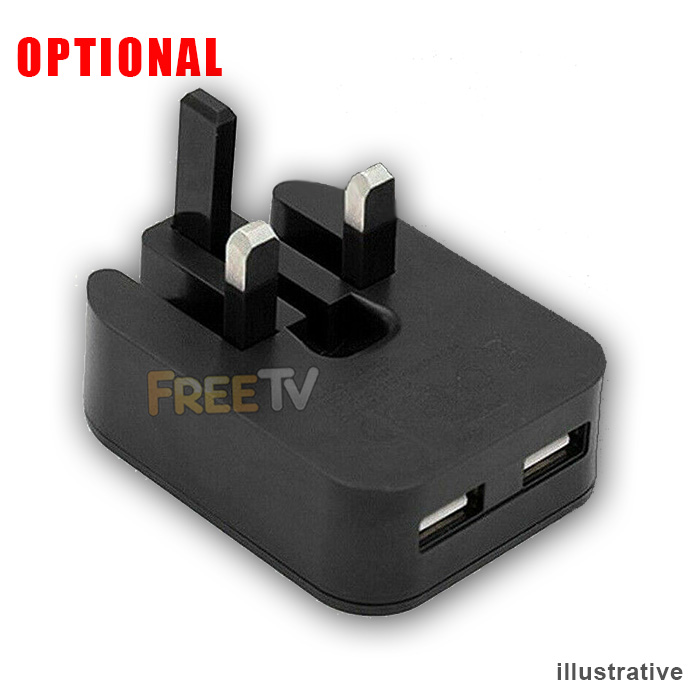
- Power Supply Not Included (Option to Purchase 5 Volt USB Wall Charger)
SETUP of AudioCast Music Streamer
- Use USB cable to connect power adapter and Audiocast and plug the power adapter into the mains socket
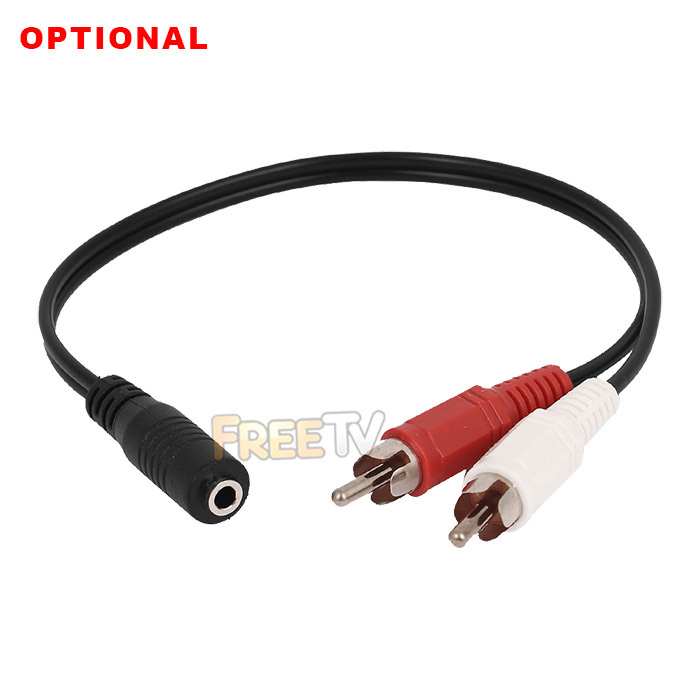
- Connect the Audiocast with your speaker or amplifier by 3.5mm audio cable (or optional RCA cable)
- Download 'Audiocast' app from Apple or Android App stores
- Make sure your mobile phone has connected to the 2.4GHz network at home
- Open Audiocast' app and click 'Add Device'
- You will be prompted to input the password of your home router, then press the WPS key on AudioCast
- At the same time, your AudioCast will say 'Searching for WiFi connection' by voice
- After about 10-15 seconds, the setup for your Audiocast streamer will be finished
Coming soon...
No posts found


