


Cart is empty


Save 29%
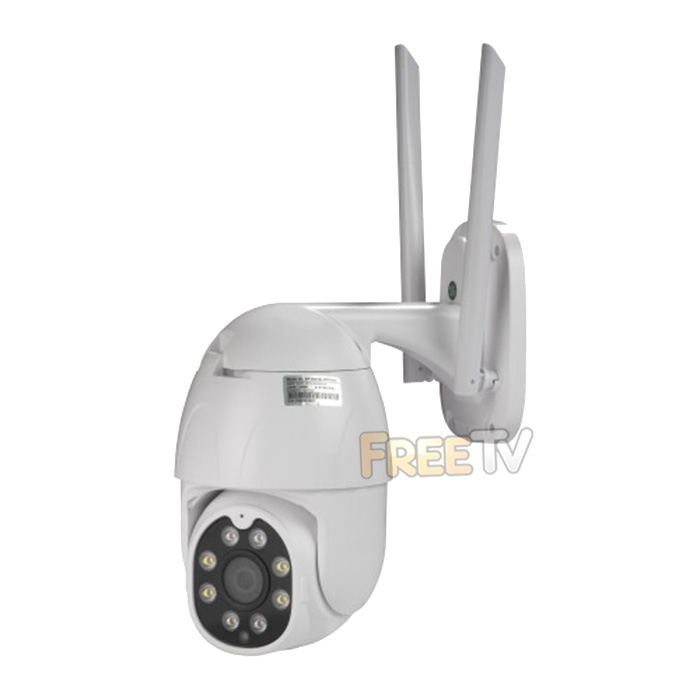
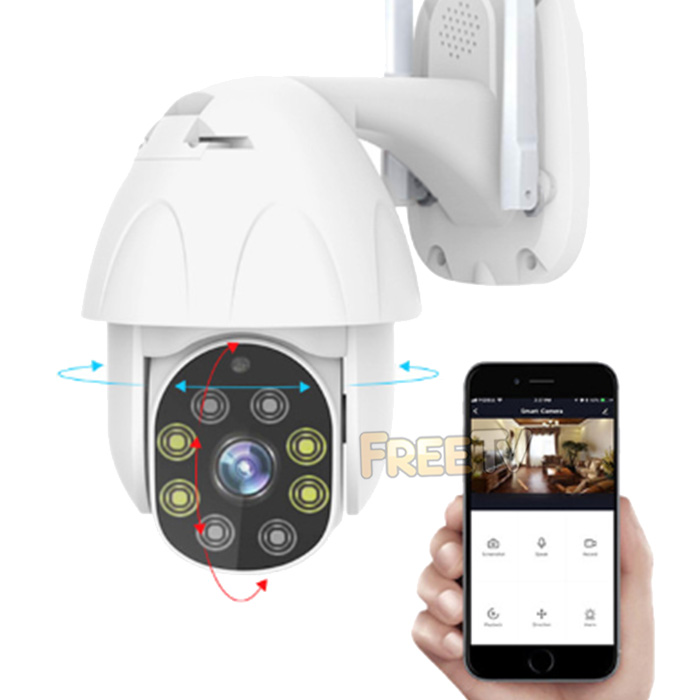



Description of Wireless Camera
- Top Quality Wireless Camera
- AKA Smart Home Camera
- Form: Speed Dome (Pan / Tilt Functions)
- Motion (Approx.): Horizontal: 355°, Vertical: 85°
- Resolution: 2 Megapixels (1920 x 1080p)
- Fixed 3.6mm Lens
- Field of View: 107° (Diagonal) / 89° (Horizontal)
- Night Vision: 8m
- IR-CUT Filter
- SD Card Slot: Max. 128GB Supported (Card Not Included)
- WiFi Security: WEP/WPA/WPA2
- Power Supply:5Vdc ~ 1A (1.5m USB Cable)
- Integrated Microphone & Speaker For 2 Way Audio
- Functions: Live Video, Recording, Night Vision, Motion Detection (Max. 10m)
- Use in “Offline Mode” Using MicroSD Card
- Android & iOS Apps Available (Search 'Denver Smart Home' or 'TUYA' in App Stores)
- IP65 Weatherproof Rating
- Temperature Rating: -10°C to +50°C
- Option to Purchase DC Extension Cable For Areas With No Mains Socket
- Note: Works Off 2.4GHz WiFi Networks Only
Uses of Wireless Camera
- These smart home wireless cameras are very popular these days
- Some uses include as a...
- Doggy & Cat Cam
- Livestock Monitor
- Intruder Detection & Lots More
- Low Cost Business Entrance / Grounds CCTV System
- Adds an additional layer of security and peace of mind to your home / business
Advantages of Wireless Camera
- The wireless camera has great night vision
- Could be used indoors as well as outside
- It has two way audio so...
- You could speak with your favourite furry friend
- It could be used to give a warning to an intruder
- It could be used to keep an eye on elderly or vulnerable relatives outside in the garden
- Once setup on your phone, you can view camera from anywhere in the world
- It is a secure remote viewing system operated by a leading brand name manufacturer
Disadvantages of Wireless Camera
- While the wireless camera has pan and tilt functions, it is not a PTZ camera and does not have a zoom function
Overview of Wireless Camera
Note: Latest model is slightly different spec. so video is just for illustrative purposes only
How to View Camera On Your Phone
Note: How-to video is from last model but is very similar with new camera so we decided to leave it up



