


Cart is empty


Save 25%
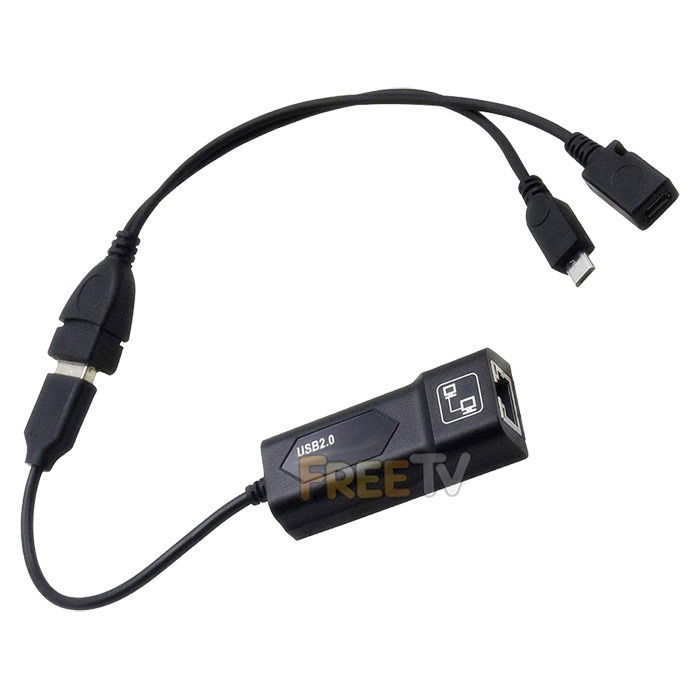
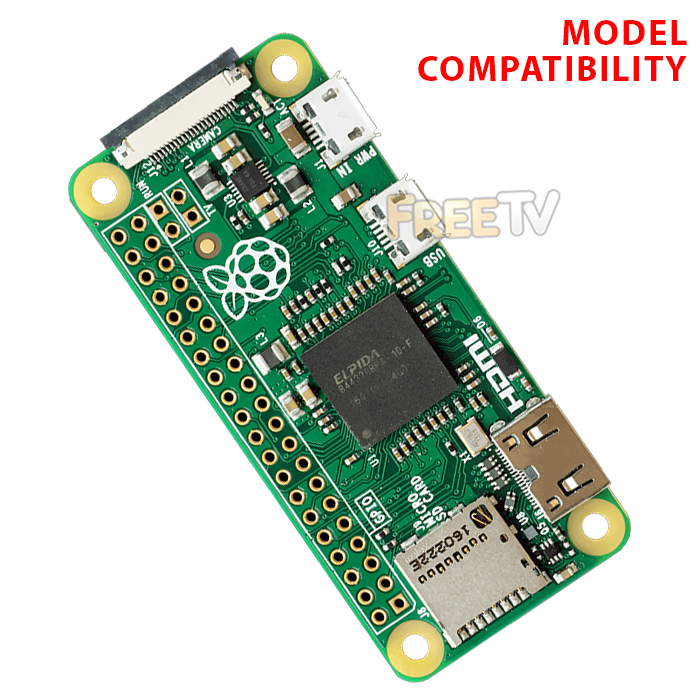



DESCRIPTION of Raspberry PI Zero Ethernet Adapter
- Compatible Raspberry PI Zero Ethernet Adapter
- RJ45 provides a speed of full 10/100Mbps ethernet performance
- Micro USB 2.0 at 480Mbps for faster and more reliable Internet access
- Hard wire your internet connection
- Driver-free, don't need to install any drivers for the ethernet adapter
- USB port: Power only, no data transmission
- Power supply not included (You should have a 5Vdc adapter with your original device)
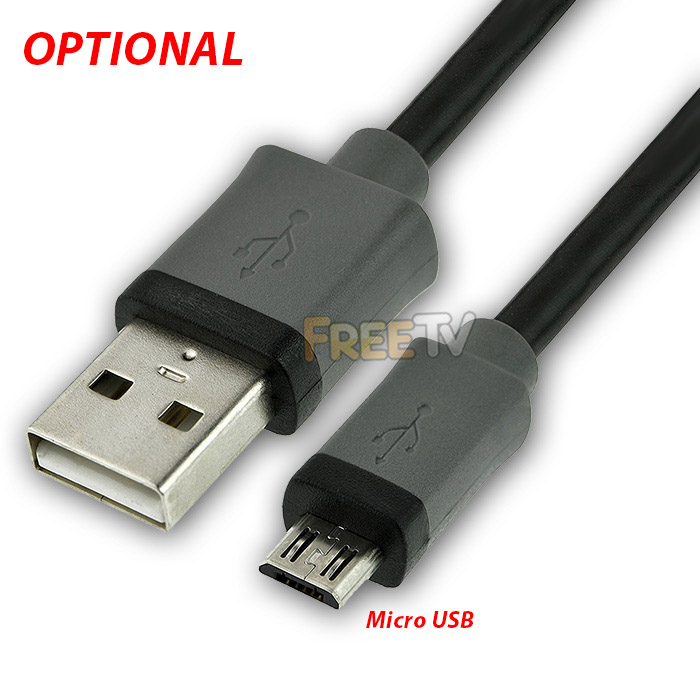
- Option to purchase additional 1m long micro USB cable for powering device
USES of Raspberry PI Zero Ethernet Adapter
- Useful where you have a poor or intermittent WiFi signal for your Raspberry PI Zero
ADVANTAGES of Raspberry PI Zero Ethernet Adapter
- It is plug and play and very simple to set up
- A wired connection generally gives more consistent and reliable results
SETUP of Raspberry PI Zero Ethernet Adapter
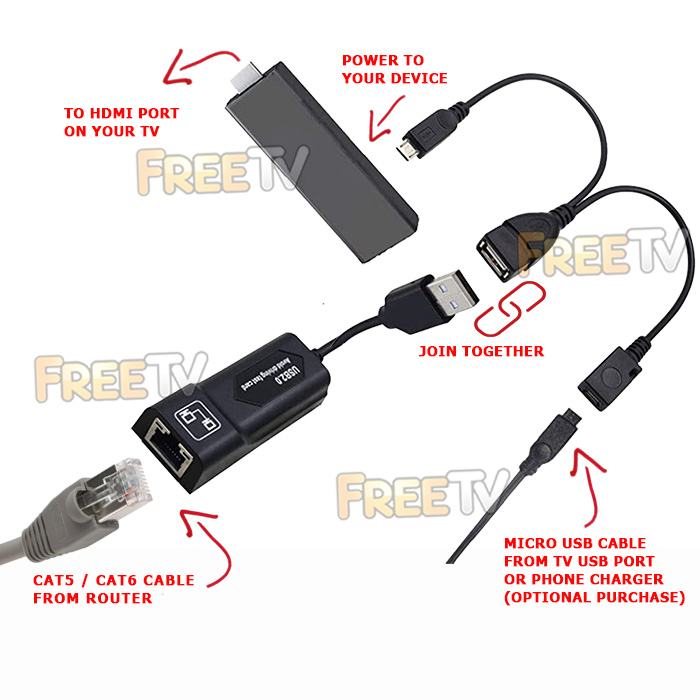
- Plug your device into your TV's HDMI port
- Connect the Micro USB connector to your device
- You need to make sure the Micro USB connector is securely plugged into your device
- Plug the USB cable into your 5Vdc power adapter
- Connect an ethernet cable to the RJ45 port on the ethernet adapter of your device
- Important note: Connect everything up and power on before connecting ethernet cable
TROUBLESHOOTING
- It should be plug & play and work immediately but if not, try the following...
- (1a) Power off your device
- (1b) Disconnect all cables from your device
- (1c) Reconnect all connections securely apart from your ethernet cable
- (1d) Power your device back on
- (1e) Reconnect your LAN cable
- (2a) Check settings on your device
- (2b) Make sure Internet Connection Setting = Wired
- (2c) Wired should be selected as your primary connection method
- (3a) Upgrade firmware on your device
- (4a) Do a factory reset on your device
Coming soon...
No posts found



