


Cart is empty


Save 26%
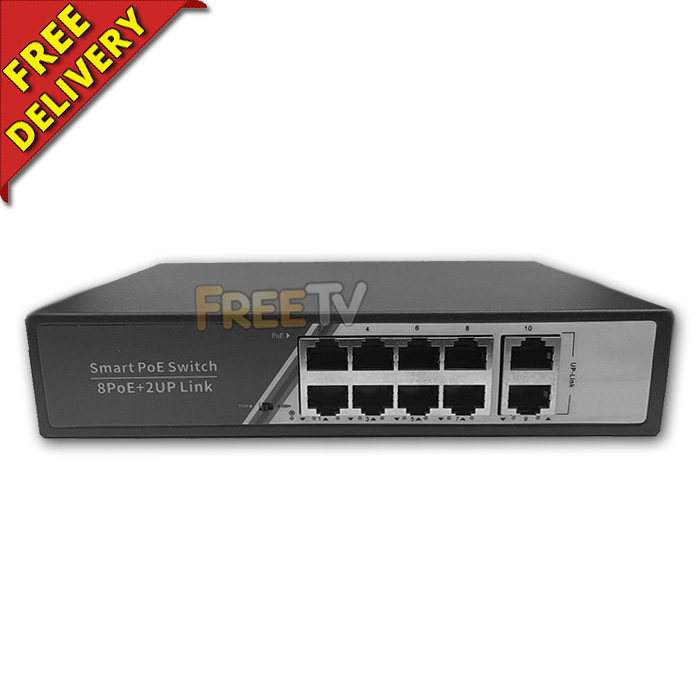

DESCRIPTION of 8 Port PoE Network Switch
- 8 Port Gigabit Desktop PoE Switch
- Ports
- 8x 100/1000Mbps PoE Ports
- 2x 100/1000Mbps Uplink
- Contents
- 1x 8 Port Gigabit PoE Network Switch
- Power Cable With 3 Pin Ireland / UK Plug
- User Manual
- Network Protocol: IEEE802.3, IEEE802.3u, IEEE802.3x, IEEE802.3af/at
- PoE Standard: IEEE802.3af / IEEE802.3at
- Port Power (Max.)
- 15.4W (IEEE 802.3af)
- 30W (IEEE 802.3at)
- POE Output Voltage: 48Vdc
- Power Supply: Input:AC 110-250V
- Max. Power: 150W
- LED Indicator
- Green: Network
- Red: POE
- Environmental
- Working Temperature:-20℃ to 55℃
- Working Humidity:10% to 90%RH , No Condensing
- Certification: FCC, CE & RoHS
- Unmanaged PoE Network Switch
- CC 85389000 0.44kg Y
USES of 8 Port PoE Network Switch
- Specifically used to transmit power & data to the likes of access points, IP CCTV cameras, IP phones, etc...
ADVANTAGES of 8 Port PoE Network Switch
- Is compatible with 10/100/1000 (Gigabit) networks
- 8 Ports (8 PoE) will suffice most small & medium sizes networks or IP camera setups
- It is an unmanaged network switch, which is handier
- This PoE switch has a priority function which will help protect the system when the system power is overloaded
- If all PoE PDs (Powered Devices) power consumption is maxed out, a priority will be arranged among the PoE ports
- Then the system will cut off the power of the lowest-priority port
- Priority (Port 1 = Port 2 = Port 3 > Port 4)
- This function will help to ensure the normal operation of the system
DISADVANTAGES of 8 Port PoE Network Switch
- 8 ports may be too many ports for your job but would allow for expansion at a later date
- PoE switches are more expensive than non-PoE network switches
TROUBLESHOOTING of PoE Switch
- If your camera or access point etc.. won't power up, please check that...
- Your device is rated at 48Vdc (Not 24Vdc)
- That you have flicked the VLAN switch on the PoE switch (where available) to default
NOTE: Video for illustrative purposes only



