


Cart is empty


Save 26%
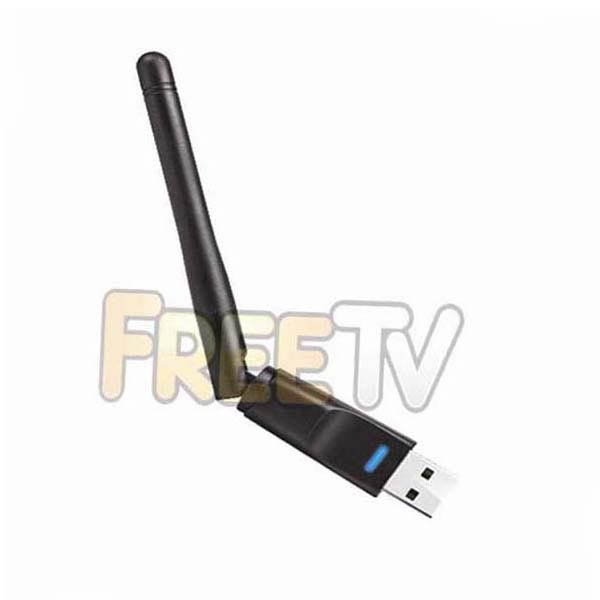
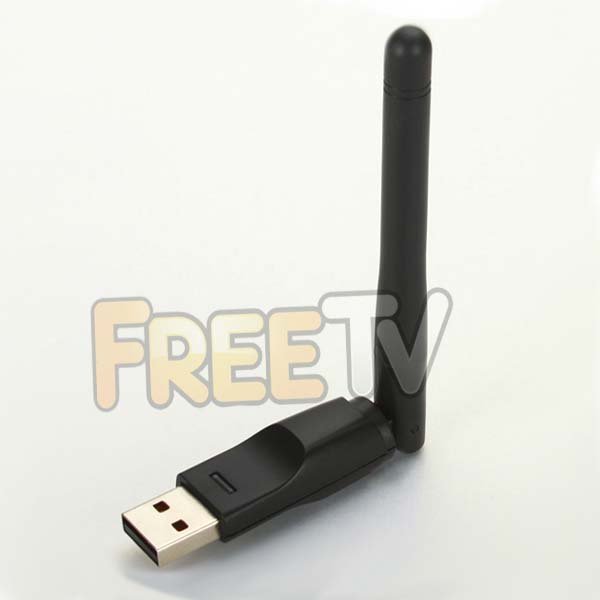
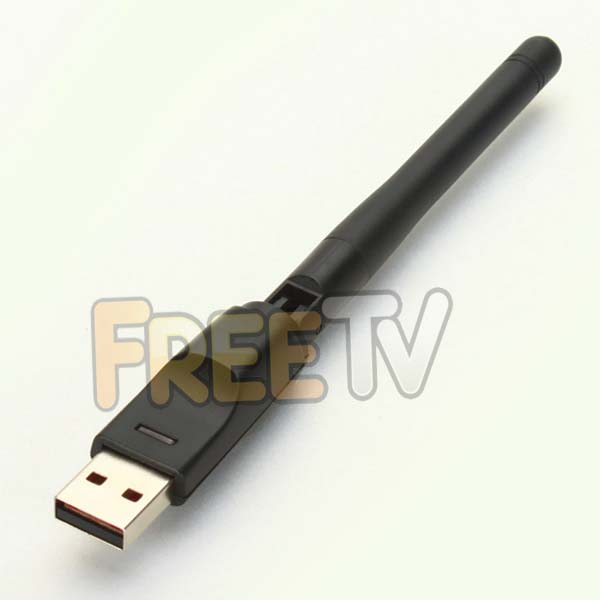



DESCRIPTION of Edision Multi-Finder WiFi Dongle
- WiFi Dongle For Your Edision Multi-Finder
- Chipset: Ralink RT5370
- Connectivity: Wireless
- USB WiFi Dongle with Adjustable Antenna
- Colour: Black
- Supports 802.11b/g/n
- Security: WEP, WPA, WPA2, TKIP, AES (64/128 Bit)
USES of Edision Multi-Finder WiFi Dongle
- Use with Edision Multi-Finder to connect to box to internet
ADVANTAGES of Edision Multi-Finder WiFi Dongle
- Hinged external antenna gives better signal
- Works better than mini WiFi dongles especially when at back of receiver
- It offers WiFi access to the Multi-Finder where cabling does not exist or is difficult to run
- It's the most convenient way of connecting to your broadband
- The Ralink RT5370 chipset is compatible with a range of Edision receivers
- Connecting to the internet increases the functionality of your box
- The WiFi dongle will also work on a range of computer operating systems including
- Windows XP/Vista/7/8
- Linux
- Mac OS X
DISADVANTAGES of Edision Multi-Finder WiFi Dongle
- Even though a WiFi connection is convenient, connecting using a wired setup will always be a better option
Note on WiFi Dongle
- The WiFi dongle will not work by default. You must change settings in your meter
- Simply go into the Multi-Finder ethernet settings menu and change the setting from 'wired' to 'wireless'
No posts found



