


Cart is empty


Save 23%
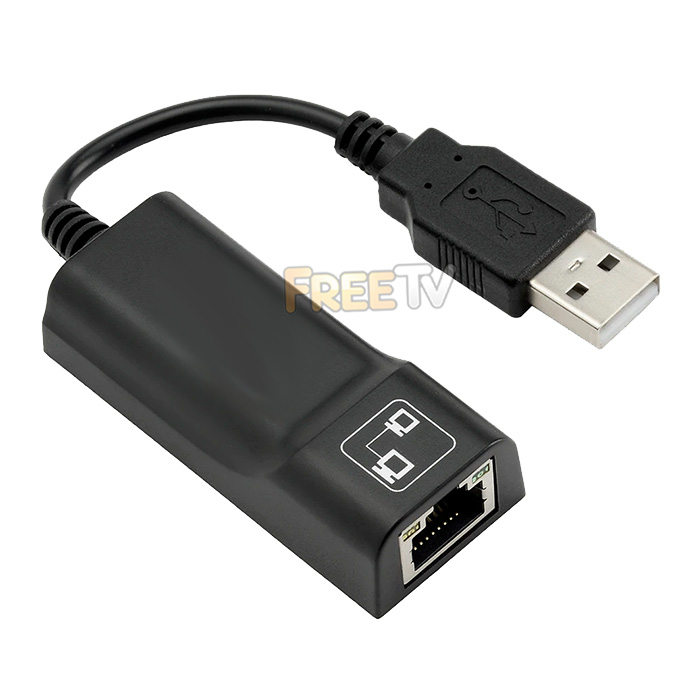

DESCRIPTION of USB to Ethernet Adapter
- USB to Ethernet Adapter
- AKA USB to RJ45, USB to CAT5, USB to CAT6, External Network Card
- Data Transfer Rates: 10/100Mbps (Based on USB 2.0)
- Interface: USB 2.0
- Supports Full Duplex Flow Control
- Half-Duplex: 10BaseT, 100BaseTX
- Cable Length: 15cm
- Network Interface: USB 2.0 to RJ45
- Supported Operating Systems
- XP, Vista, Windows 7, Windows 8, Windows 10
- Powered by USB 2.0 Port
- Generally Plug & Play But Drivers Available Under Downloads Tab
INSTALLATION of USB to Ethernet Adapter
- Generally USB Ports on Rear of PCs Function Best
- On PC / Laptop, Try Different USB Ports Until Adapter is Detected
- This is Because Not All USB Ports Are Created Equal
- Some USB Ports Will Not Have Enough Power to Initiate USB to Ethernet Adapter
- You Can Check Detection in Your Operating System's Network Adapters Menu
- This Device is Generally Plug & Play & No Additional Drivers Needed
USES of USB to Ethernet Adapter
- Use a USB 2.0 / 3.0 port on your machine to provide an RJ45 ethernet port
- Use where no ethernet port exists or is not functional
- Use with laptops & PCs
ADVANTAGES of USB to Ethernet Adapter
- Easy method of adding an ethernet port to your device
- Low cost USB to ethernet adapter
- Is capable of 100Mbps connections
- Works with a wide range of operating systems and devices
- Is handy where WiFi or 3G / 4G are not available
DISADVANTAGES of USB to Ethernet Adapter
- You will need a free and working USB port
- Works with USB 2.0 ports up to 100Mbps
- If using USB to ethernet adapter as a permanent fixture, then it means you have one less USB port
Coming soon...
No posts found



