


Cart is empty


Save 50%
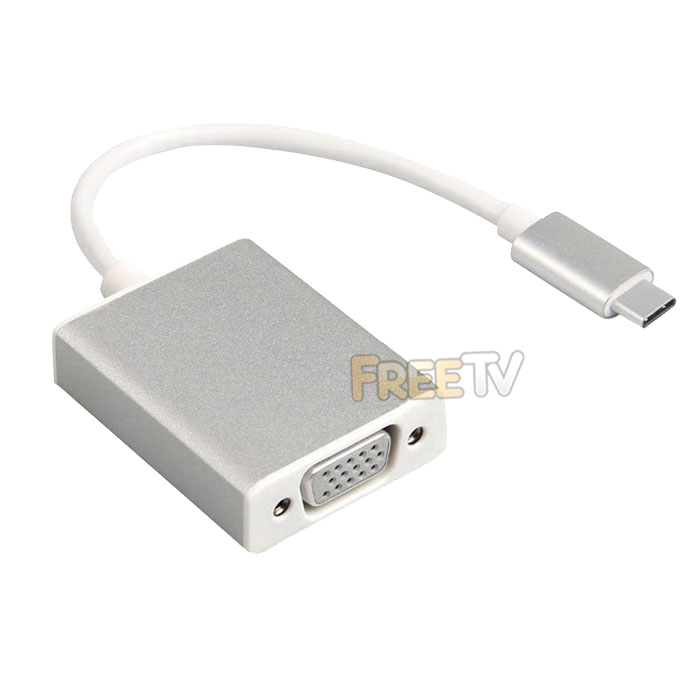

DESCRIPTION of USB-C to VGA Adapter
- USB C to VGA Adapter
- Connections
- Male USB 3.1 Type-C Plug (Reversible)
- Female VGA Socket
- Pigtail Design
- Maximum Resolution: Up to 1080p
- OS Compatibility: Mac OS X, Chrome OS, Windows
USES of USB-C to VGA Adapter
- Use to clone or extend your primary desktop screen on machines with USB 3.1 Type-C ports
ADVANTAGES of USB-C to VGA Adapter
- The USB C to VGA adapter allows greater visibility of apps & programs at the same time
- This increases your productivity by speeding up tasks
- The adapter is not a resource hogger, it uses relatively little computer resources
- There is little or no difference between the extended screen and directly connected screen under normal conditions
DISADVANTAGES of USB-C to VGA Adapter
- You will need a free USB 3.1 Type C port to take full advantage of it's capabilities
- It only works with USB 3.1 Type C ports
- If using the USB 3.1 Type-C to VGA adapter as a permanent fixture, then it means you have one less USB port
- You will also need a monitor or TV with a VGA port for cloning & extending computer display
- You'll also need an additional VGA cable if you haven't got one already
- Does not work with all USB Type C devices
- Not compatible with Nintendo Switch, some phones and all tablets for example
- It is really for use with desktop PCs & laptops



