


Cart is empty


Save 24%



Description of HDMI KVM Switch
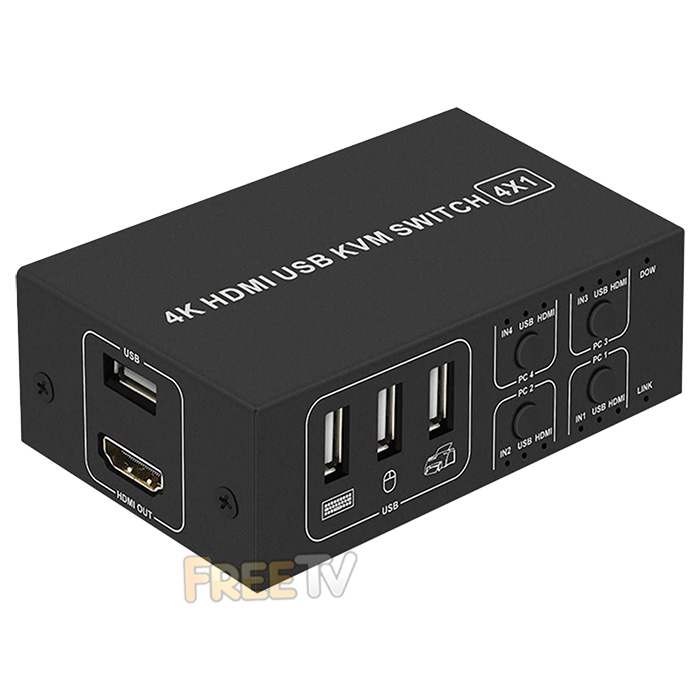
- USB 2.0 & 4K HDMI KVM Switch
- Includes Set of HDMI KVM Switch Cables
- Connections
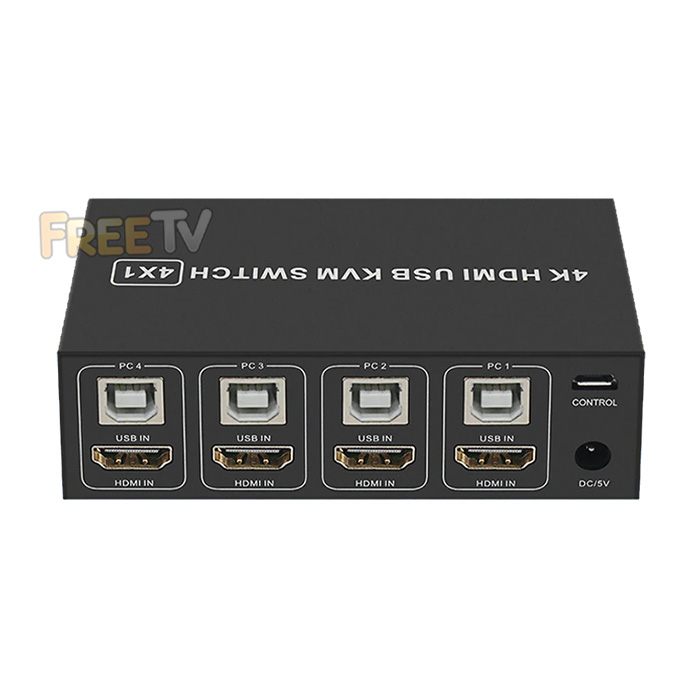
- 4x Female HDMI IN
- 4x Female USB Type B IN
- 1x 5Vdc IN
- 1x USB Type A OUT
- 1x Female HDMI OUT
- 3x Female USB Type A IN
- Number of PCs / Laptops Supported: 4
- Mouse Emulation: USB
- Keyboard Emulation: USB
- Compatibility: Windows 7 / 10 / MAC
- Plug & Play (No Drivers Needed)
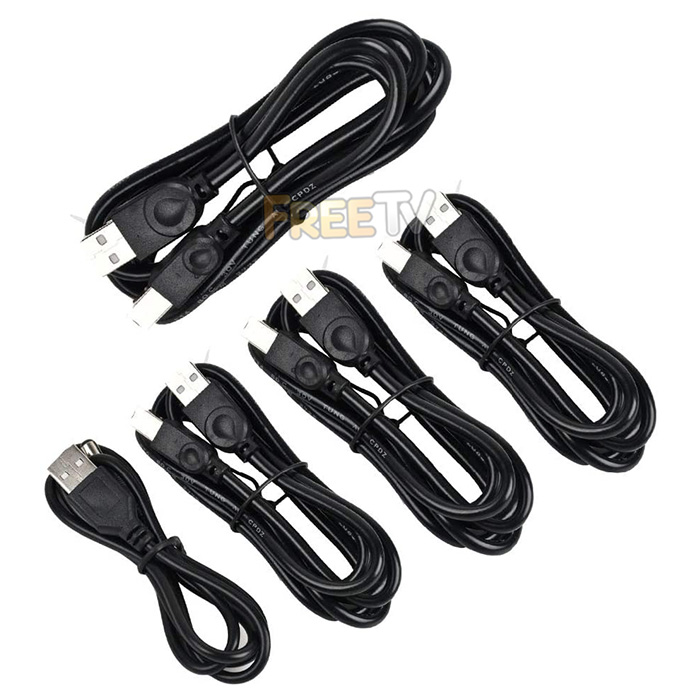
- Included Cables
- 4x USB Type-A to USB Type-B Cables
- 1x USB Type-A to DC Jack
- 1x USB Type-A to Micro USB Cable
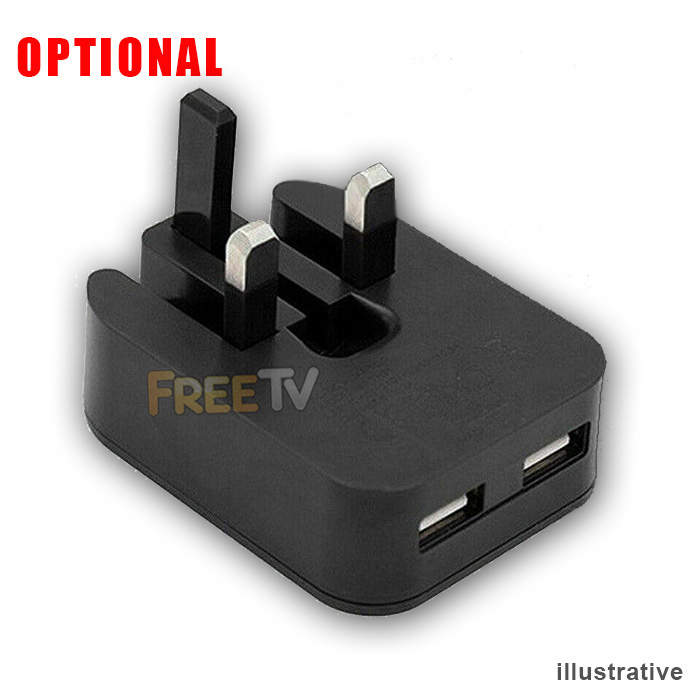
- Powered Via USB or Phone Charger (Not Included)
- Note: HDMI Cables Not Included (Purchase Separately)
Uses of HDMI KVM Switch
- Share a single monitor, keyboard, mouse, printer & scanner with up to 4 computers
Advantages of HDMI KVM Switch
- Works easily and is just plug and play
- Can share USB devices like printers, scanners
- Saves having to have many monitors, keyboards and mice on your desk
- Very efficient & space saving method of running several systems simultaneously
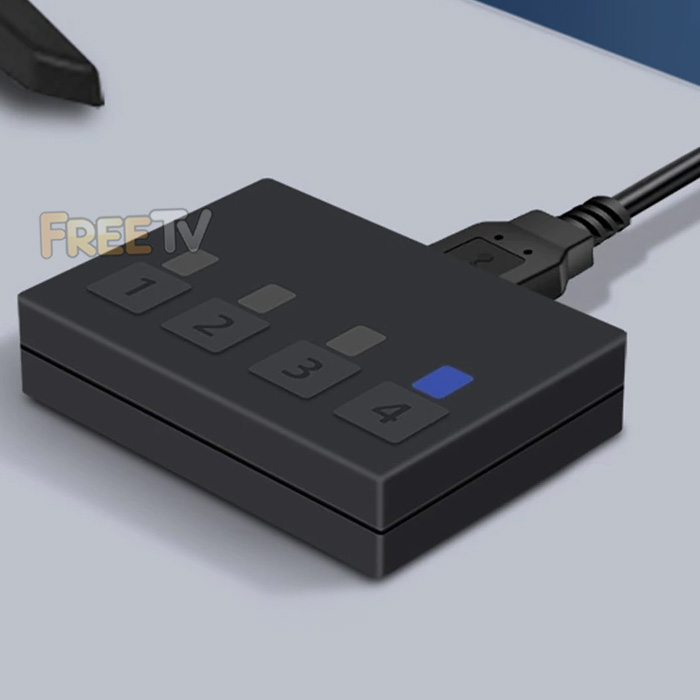
- Switch between multiple rigs with the flick of a switch
Disadvantages of HDMI KVM Switch
- The trickiest thing is to remember which system is at what point in the switching and to know exactly which is active
- You get used to it after a while and then you wonder how you ever lived without a HDMI KVM switch
No posts found



