


Cart is empty


Save 24%
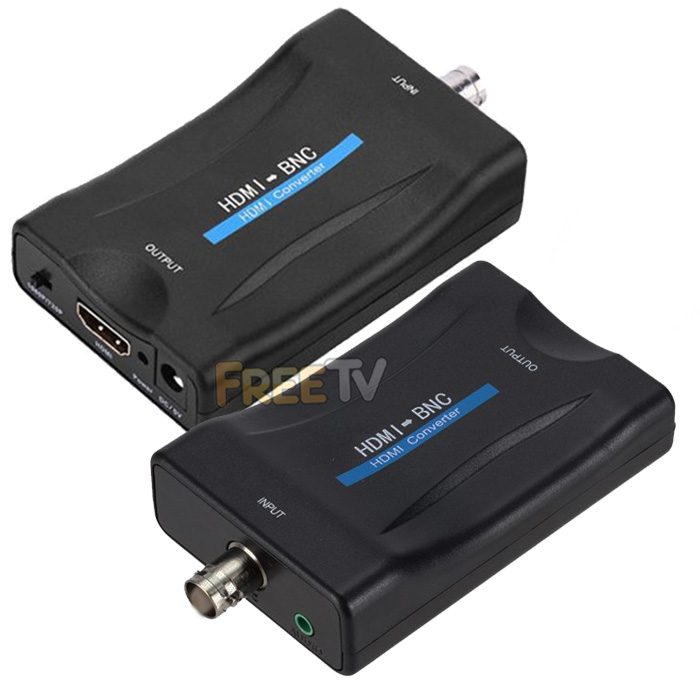



DESCRIPTION of HDMI to BNC Converter
- HDMI to BNC Converter
- AKA HDMI to BNC Adapter
- IMPORTANT NOTE
- This HDMI to BNC Converter Only Works With Old Type Analogue DVRs, Monitors, VCRs, TVs etc..
- Their Resolution is Usually Given in TVL (TV Lines)
- 420 TVL, 480 TVL, 540 TVL, 600 TVL, 700 TVL etc..
- BNC Output: Analogue / CVBS (480p / 576i)
- HDMI Input: 720p @ 50/60Hz, 1080p @ 50/60Hz
- What's Included
- HDMI to BNC Converter Unit
- User Instructions
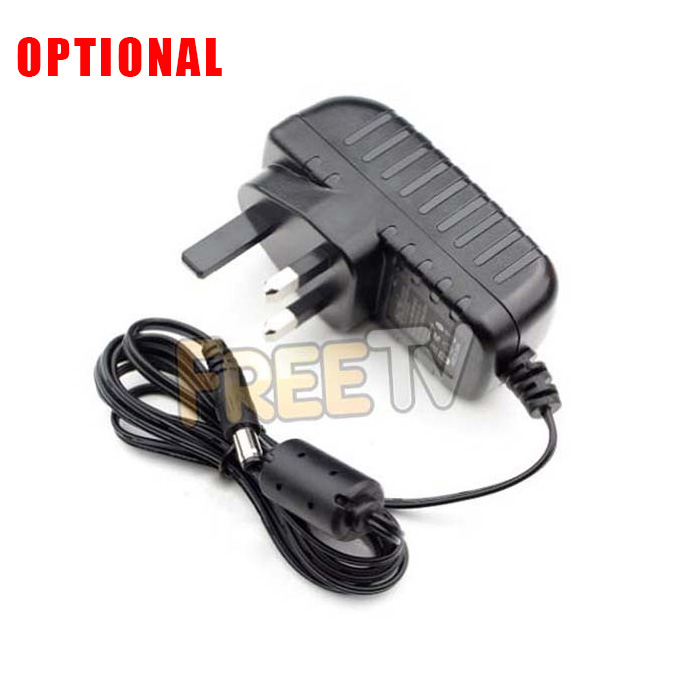
- 5Vdc USB to DC Jack Cable (Can Power From Phone Charger)
- Housing: Plastic
- Colour: Black
- Note: Does NOT Work in Reverse (ie.. BNC to HDMI)
USES of HDMI to BNC Converter
- Used to convert a HDMI signal into an analogue (CVBS or lower) BNC signal
- Note: Never buy a HDMI to BNC cable
- The only real way of converting HDMI to BNC is with a powered HDMI to BNC converter kit like this
- Could be used to convert the HDMI output from an AV system directly into an analogue BNC signal to run straight to a DVR, TV, monitor or modulator
ADVANTAGES of HDMI to BNC Converter
- Converts a HDMI input into an analogue BNC output signal
- Converts both audio and video signal
- It gives good picture and sound quality
- It is easy to install, just plug and play
- Solves a real problem and saves money by dealing with the issue rather than buying new audio/video equipment
DISADVANTAGES of HDMI to BNC Converter
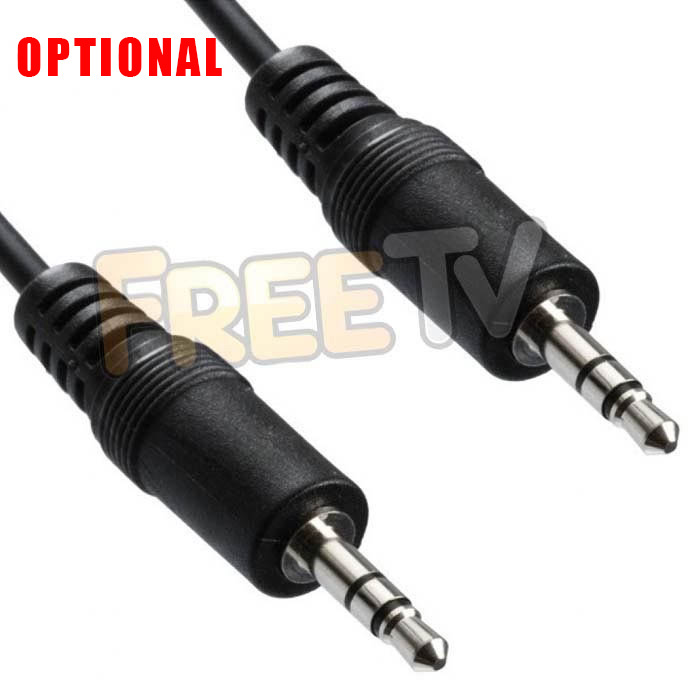
- You might need to buy a 3.5mm audio cable and/or 5Vdc charger/power supply separately if you do not have them already
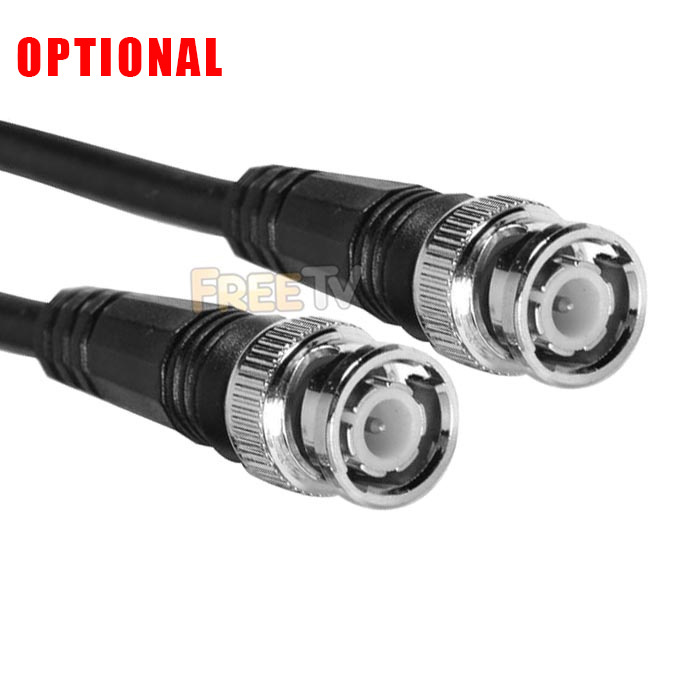
- You might also need to buy a BNC to BNC cable if you don't have one available
- The equipment you are feeding with the BNC output signal must be analogue (PAL / NTSC (CVBS)) and will not work with 1MP or 2MP etc..TVI, CVI or AHD resolutions
Coming soon...
No posts found



